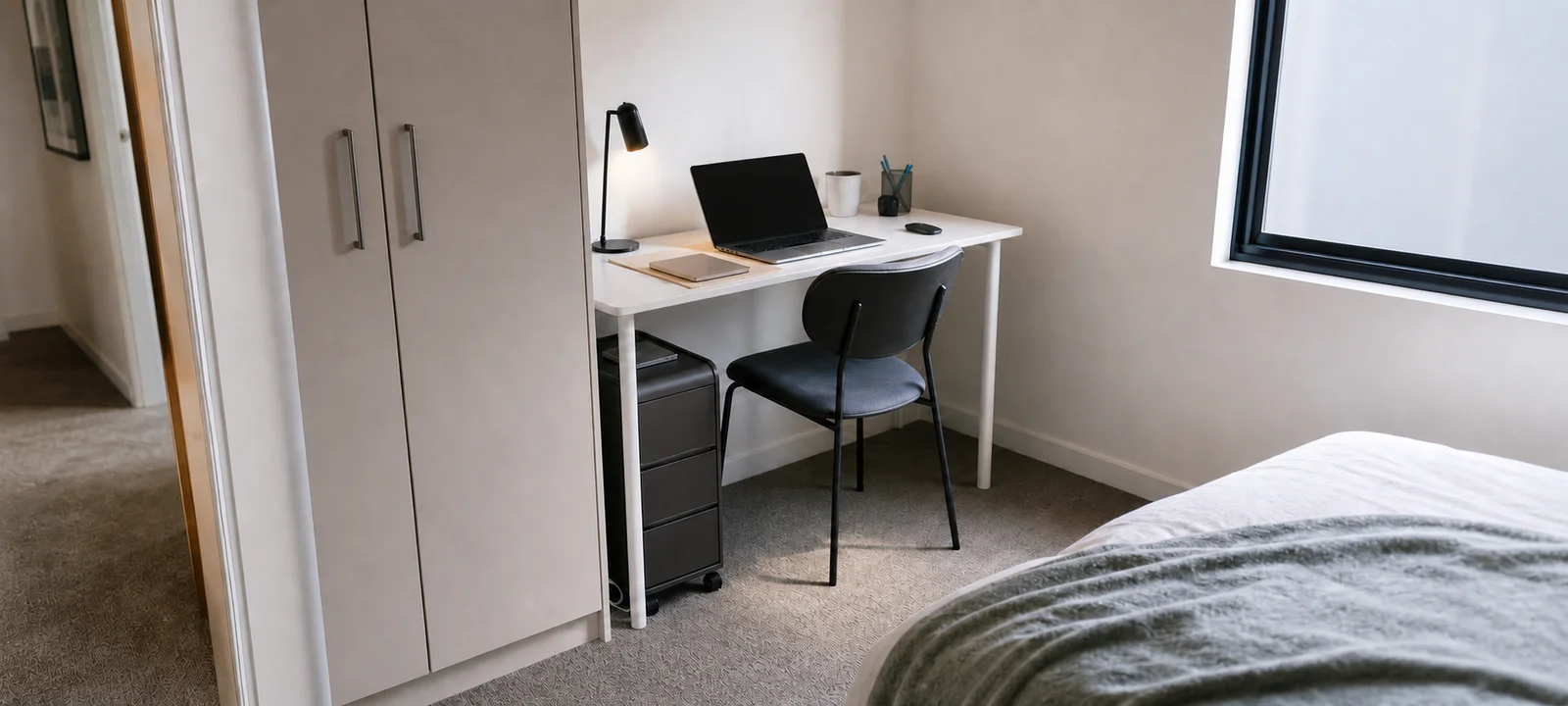
Home Office Setup Ideas for Small Spaces
Desk, lighting, cable and storage ideas for compact workspaces that still need to feel liveable.

Category Guide
A workable home office setup starts with the room, the equipment and the way the space must behave after work. Plan the desk, chair, light, power, cables and storage as one connected zone before adding more gear.
Start here
Start with the whole workspace or go directly to desk sizing, seating, smart devices, video calls or a room that serves more than one purpose.
Desk, lighting, cable and storage ideas for compact workspaces that still need to feel liveable.
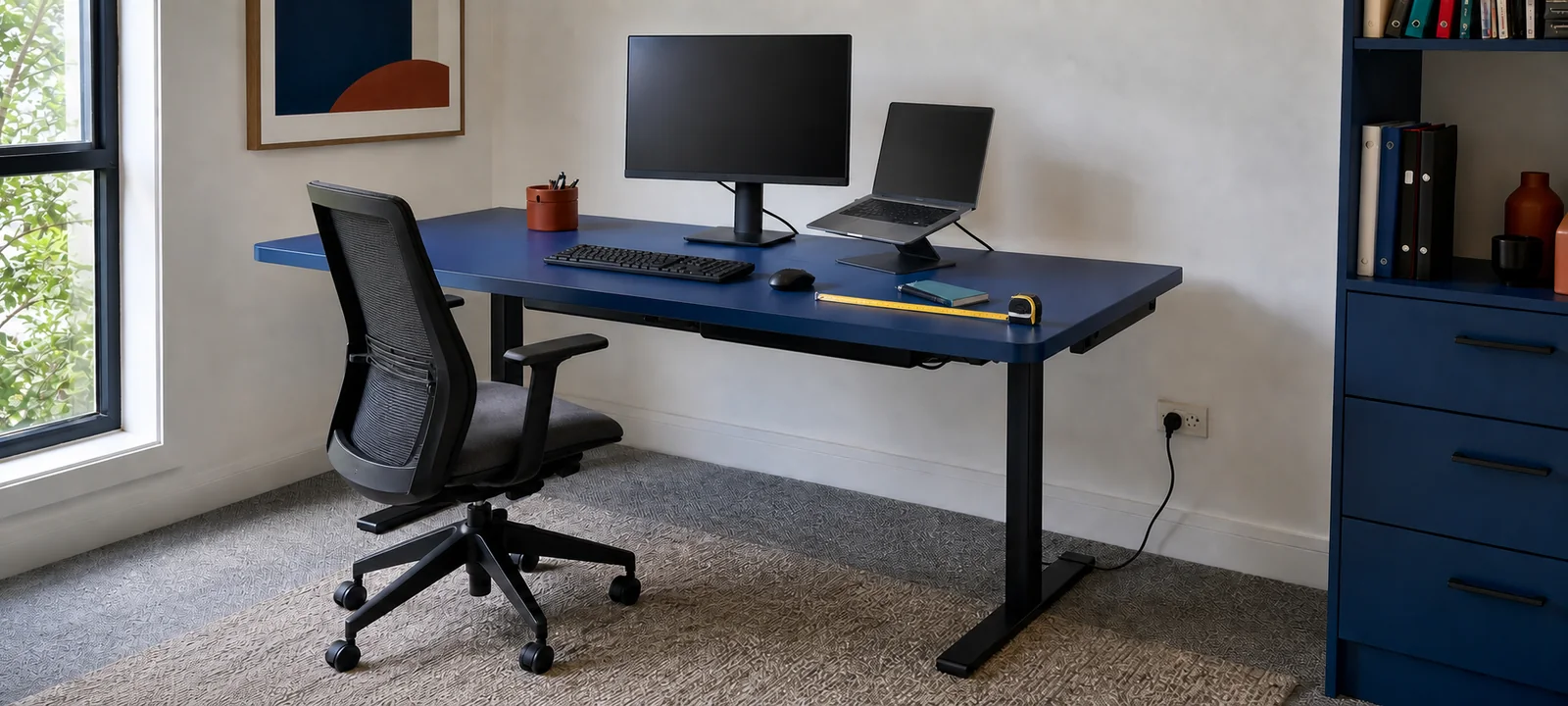
Measure the room, chair clearance, monitor setup, power, lighting and storage before buying a home office desk.
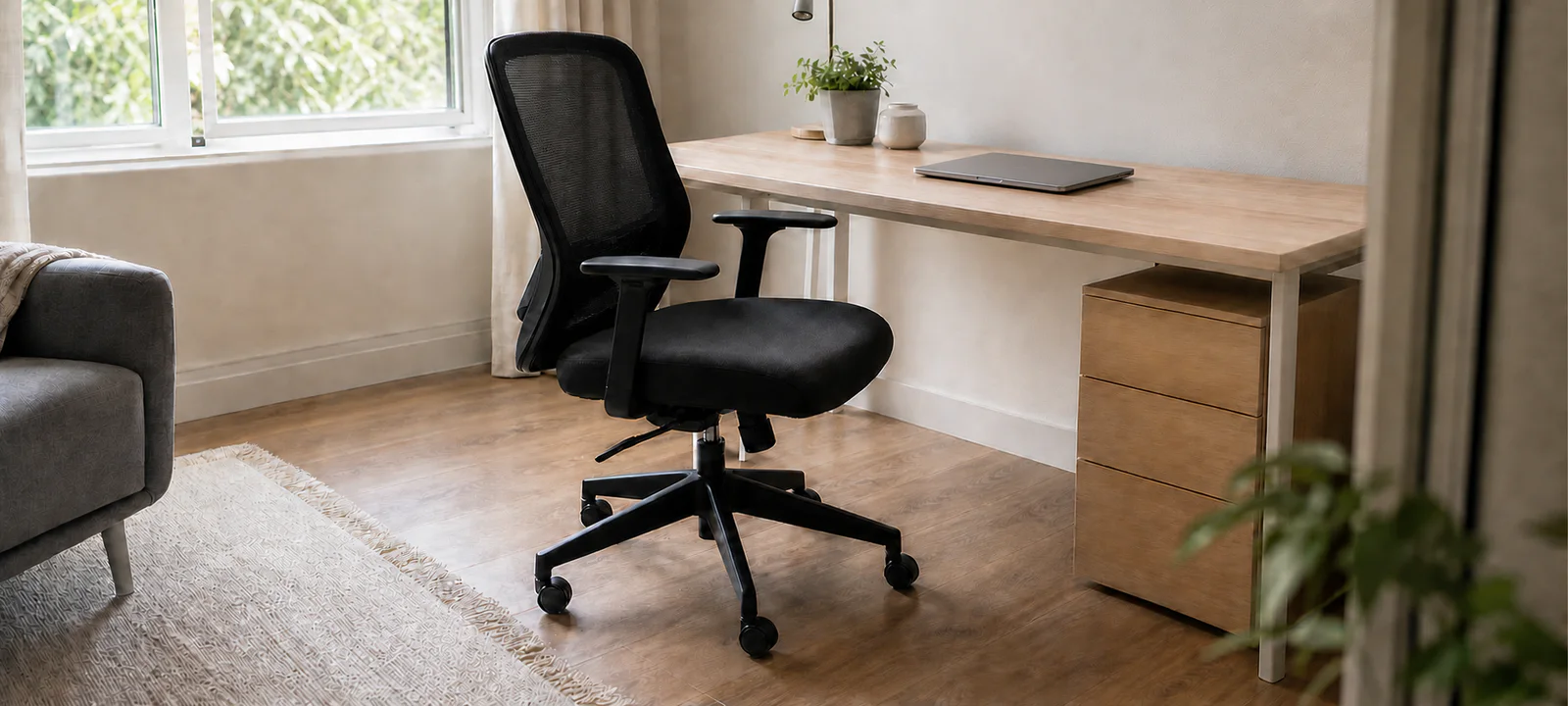
Check chair size, desk clearance, floor surface, armrests and room flow before buying home office seating.
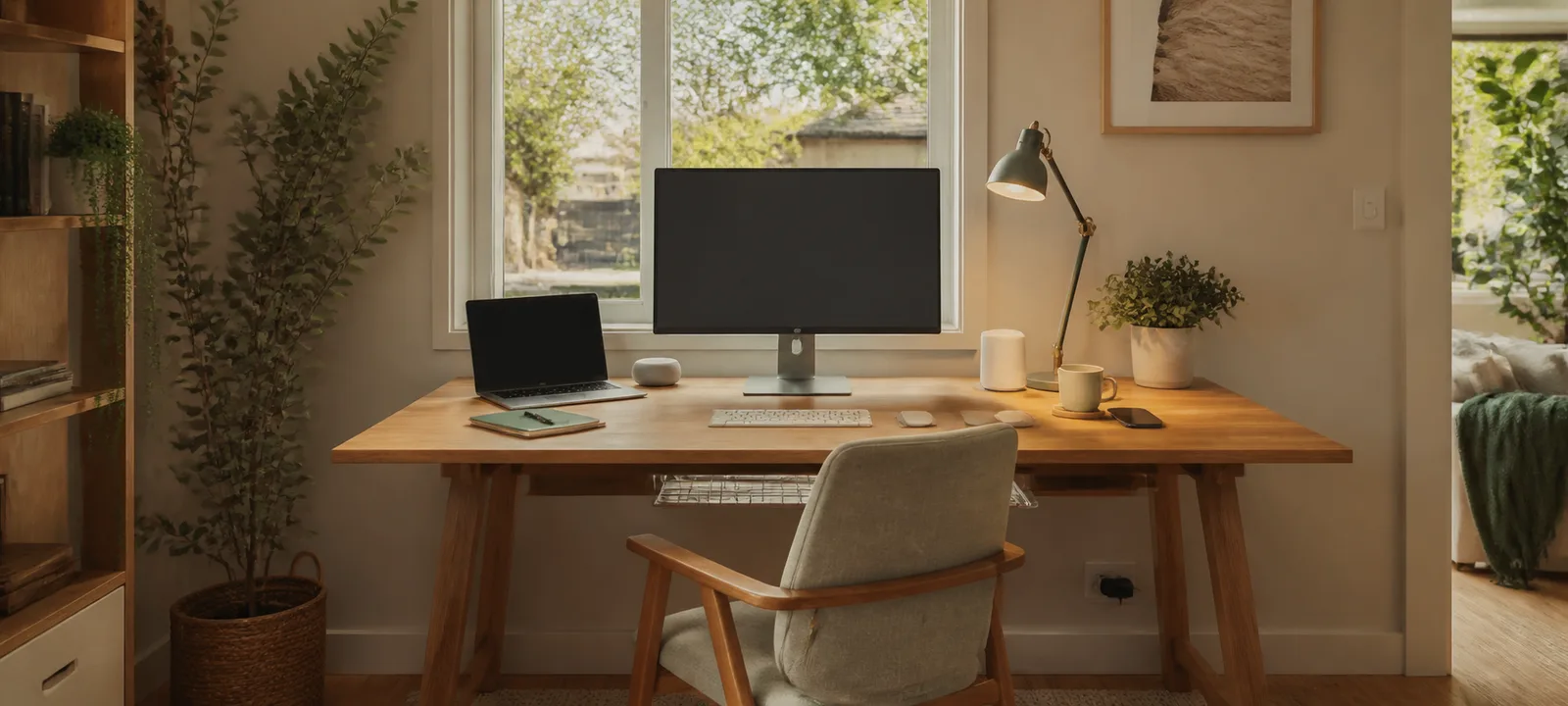
Plan connected lighting, controls, routines, network access and manual fallbacks before adding smart office devices.
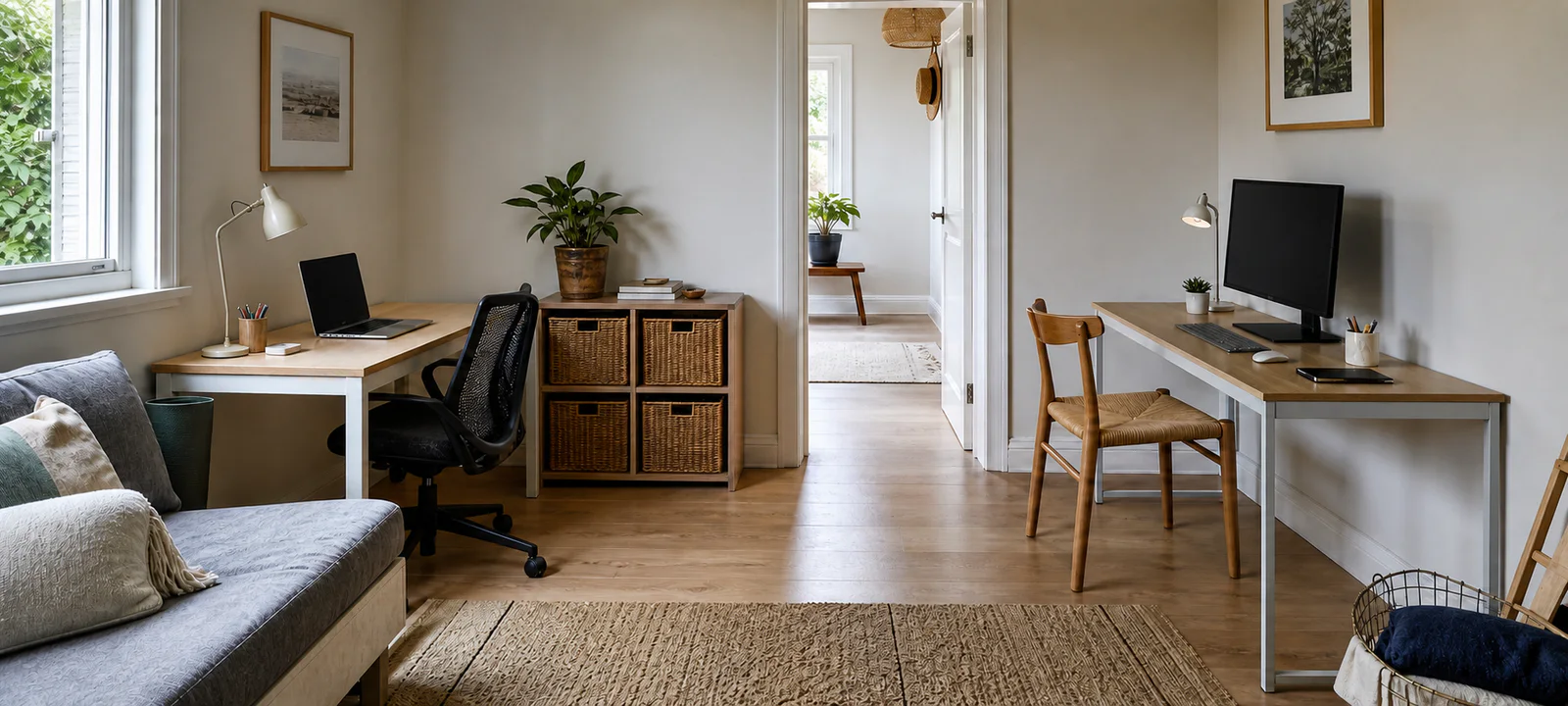
Plan furniture, lighting, storage and cables when the room still needs to work for other people.
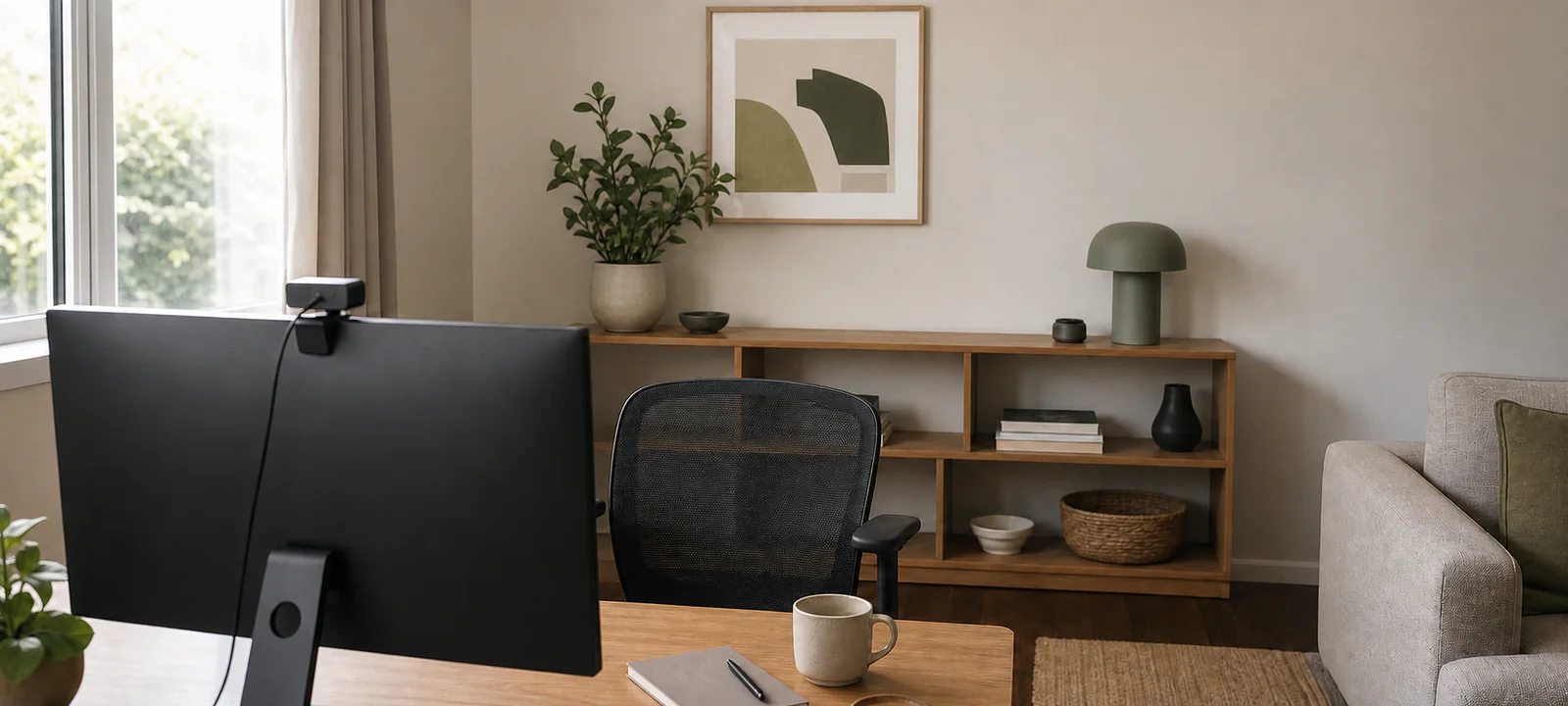
Plan background, lighting, desk items and camera view before buying more office gear.
Compare carefully
These guides start with fit, access and the problem to solve, then show a small set of currently tracked options where the evidence is specific enough.
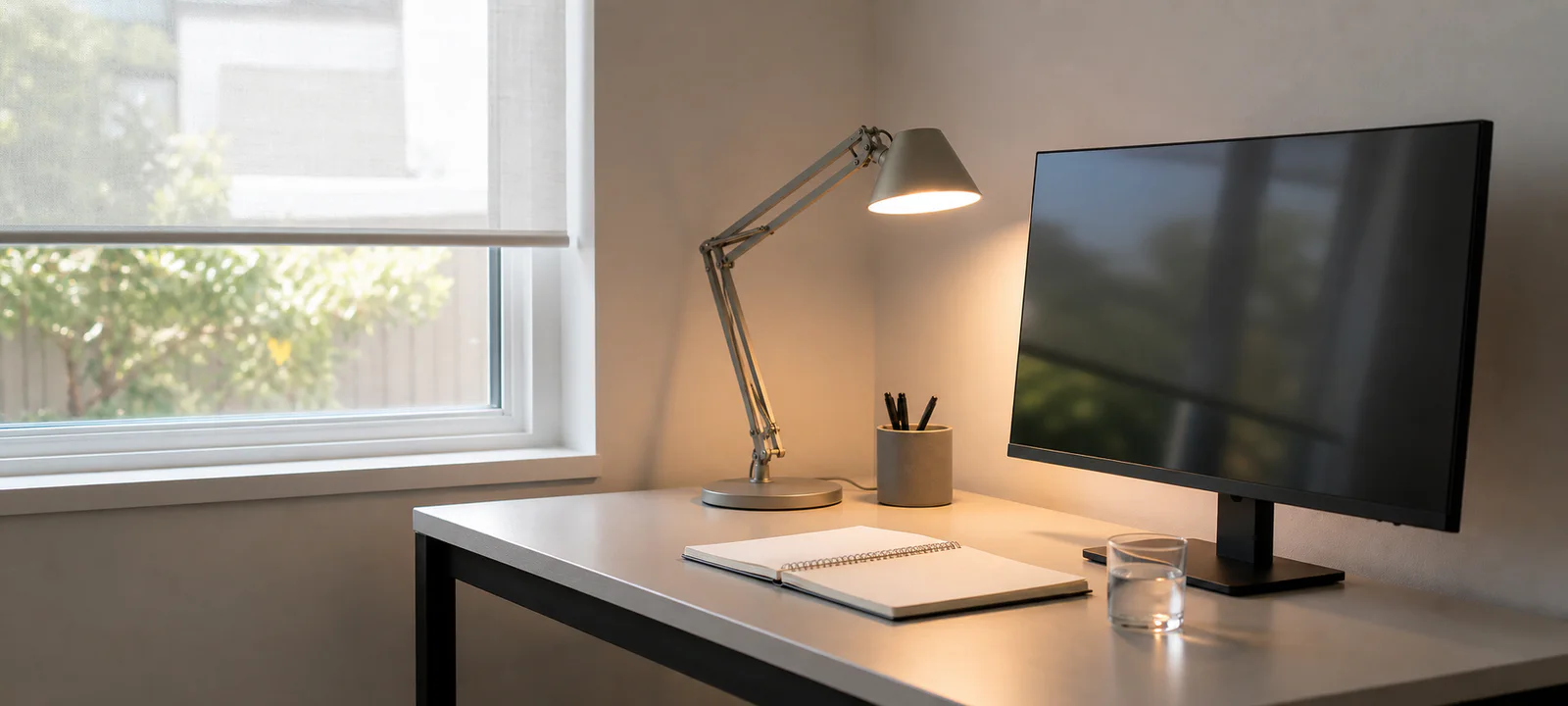
Compare glare, task position, video calls, controls and power before looking at desk lamps or monitor lights.
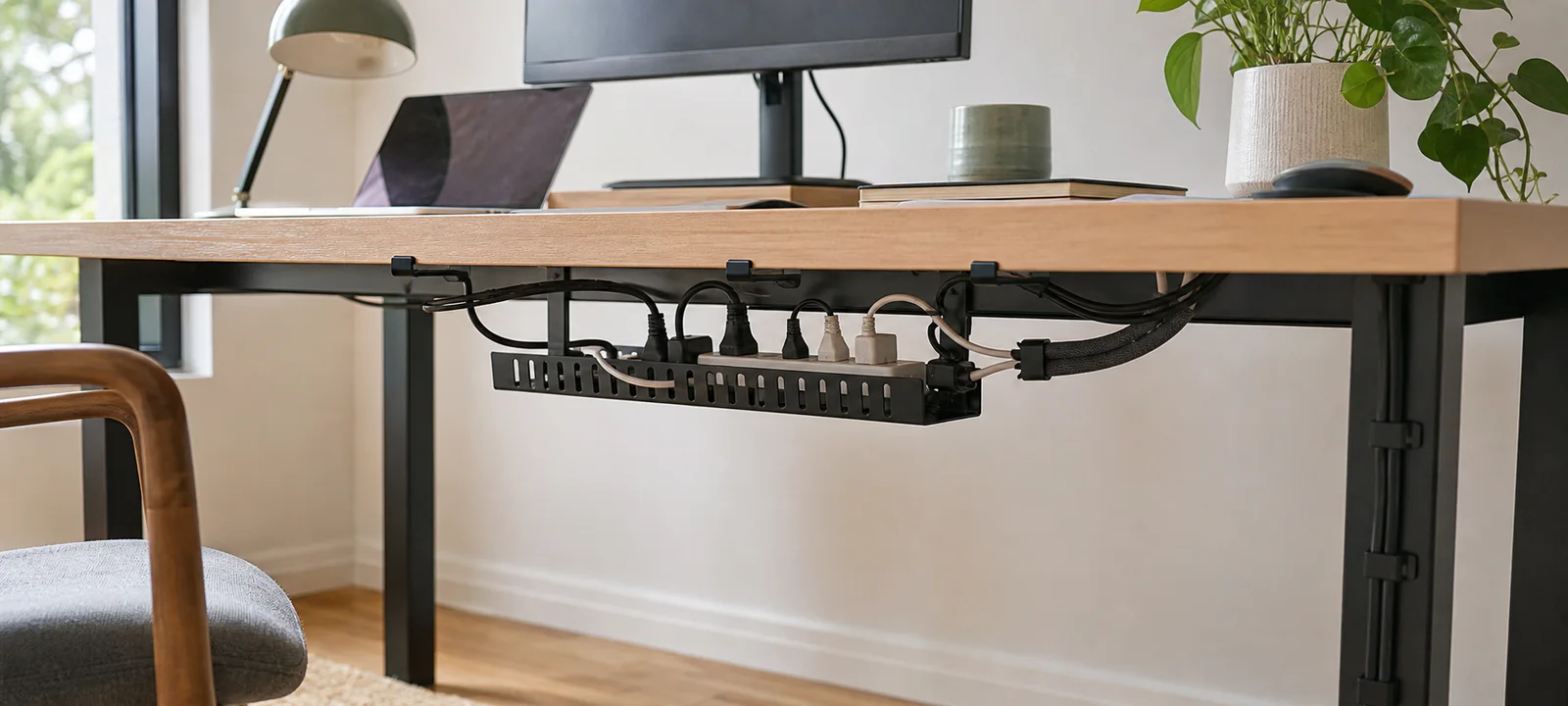
Map chargers, power boards, cable routes and cleaning access before comparing trays, clips or cable boxes.
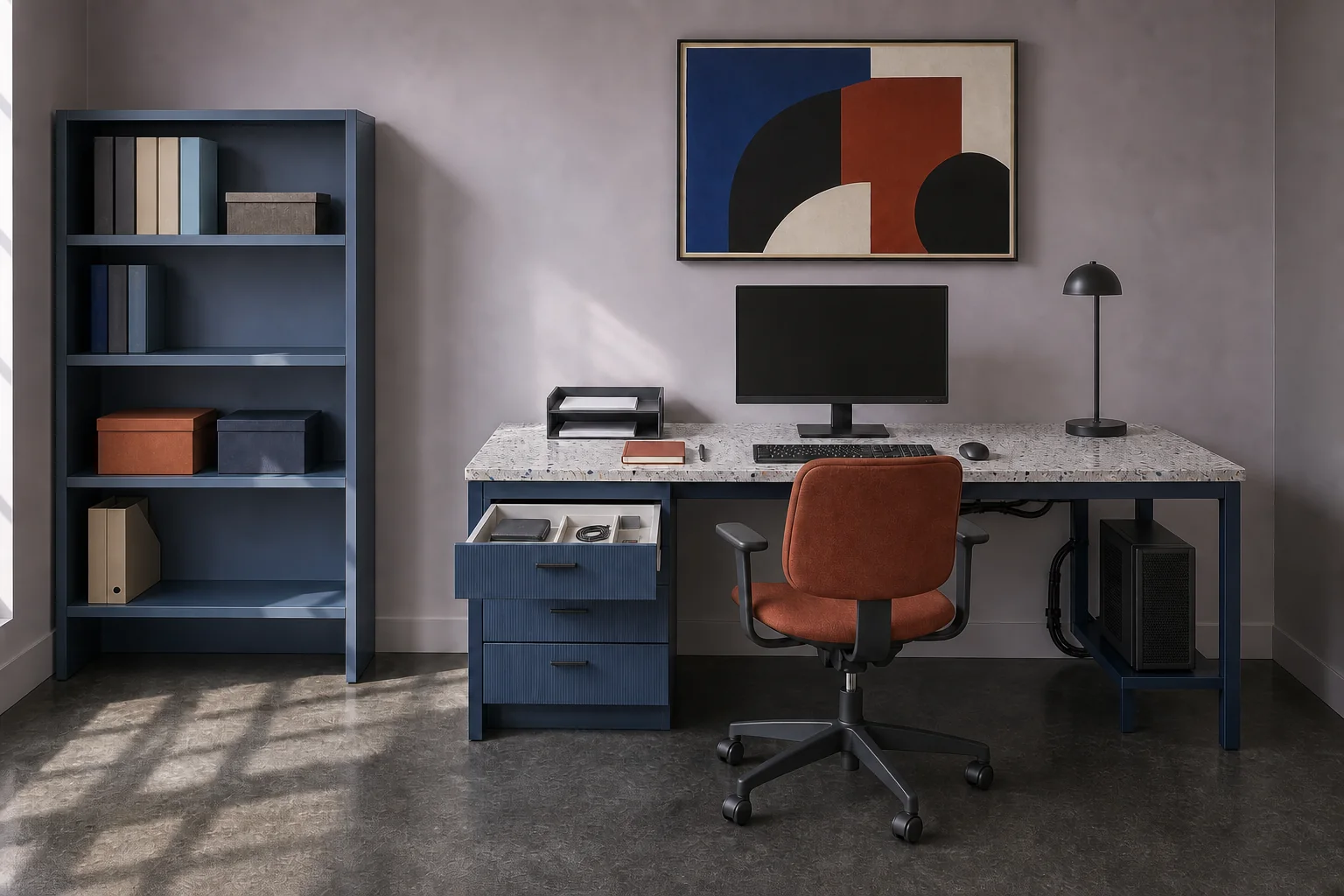
Separate active work, archives and tech accessories before comparing document boxes or filing storage.
Category focus
Allow enough surface depth, chair movement and usable light, then keep power, cables, paperwork and connected devices accessible without taking over the room.
Choose a size that fits the room while leaving space for a chair and movement.
Compare chair size, clearance and fit before decorative style.
Useful when the desk has enough depth and the stand suits the equipment.
Useful for evening work, shared rooms and reducing reliance on overhead light.
Keep power boards and cords off the floor where the desk allows.
Help stop stationery, chargers and small office items spreading across the desk.
Keep important documents easy to find without turning the desk into storage.
Useful when paired with a separate keyboard and mouse for longer sessions.
Add only when compatibility, privacy, manual control and the power plan are clear.
Plan first
Common mistakes
Related areas
Rooms rarely work in isolation. These nearby categories may help with another part of the same job.
A desk that fits, a practical chair, good lighting, power access, cable control and simple storage for everyday work items.
Group cables by device, use a tray or clips where suitable and keep power boards off walkways and away from feet.
If the desk is used often, chair fit and clearance are usually worth checking before decorative extras.
Mark the desk and chair footprint, protect the room's main walkway, use lighting that can be controlled locally and give work items a defined pack-away home. Choose furniture only after testing the room in both work mode and everyday mode.
Start with the part that affects fit and daily comfort: usually the desk zone, chair clearance and lighting. Add cable organisers, storage or smart controls only after the equipment and power routes are known.